A useful cattle brand starts with decisions, not decoration. Before generating dozens of images, write down the characters that must remain readable, the modifier you want, and the parts you are willing to change.
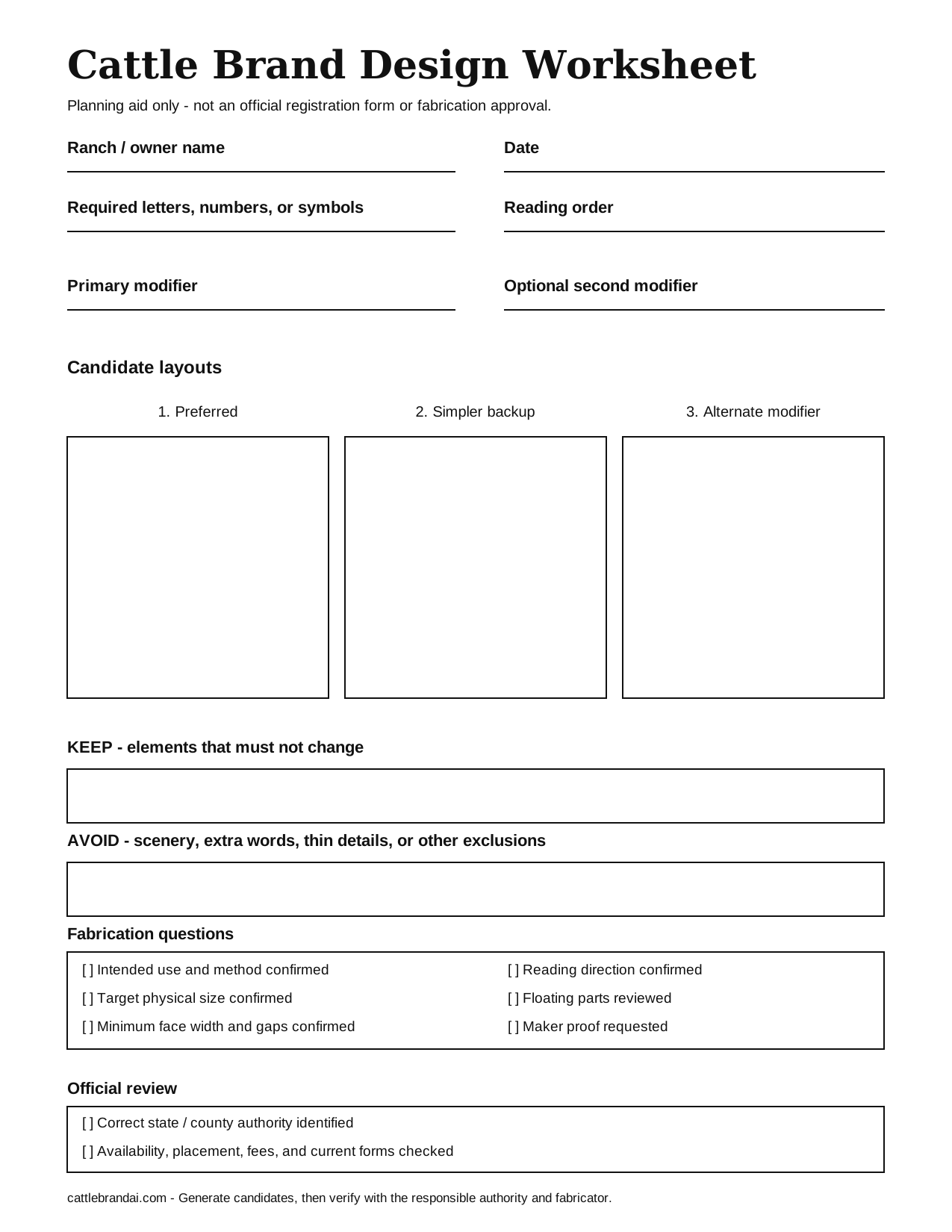
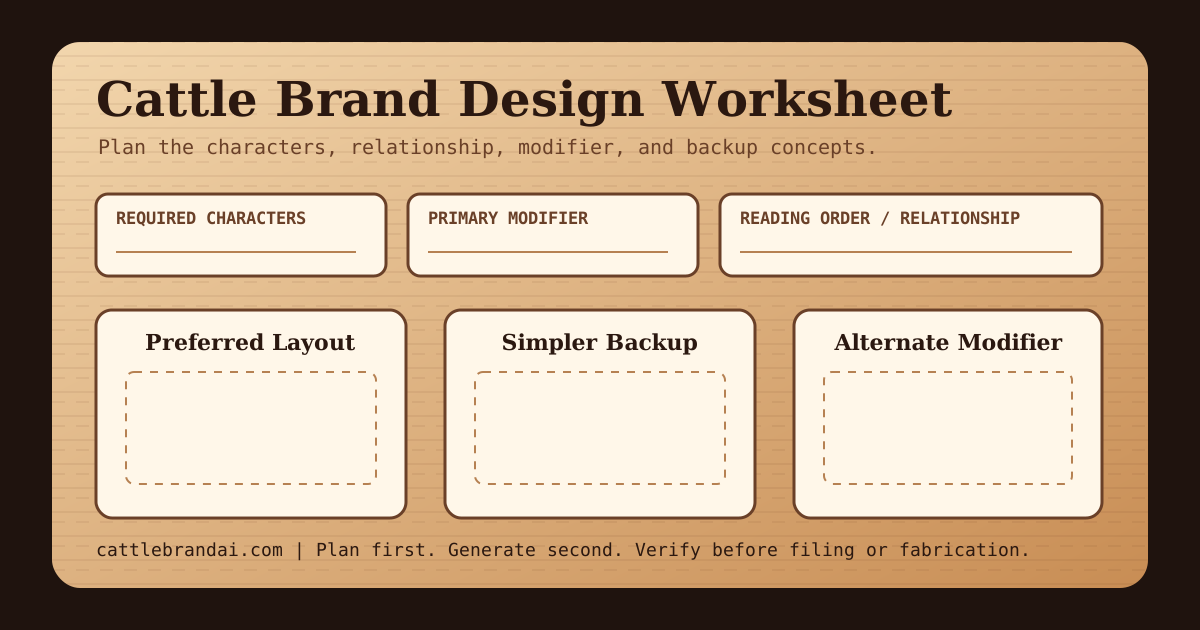
Use the free worksheet below to prepare one clear concept and two backups.
The worksheet is a planning aid. It is not a registration form and does not guarantee that a design is available or suitable for fabrication.
1. Define the Non-Negotiable Characters
Start with the exact letters, numbers, or symbols that must survive every revision.
Write them in reading order:
- Left to right
- Top to bottom
- Outside to inside
For example, Bar J inside a diamond is more precise than western J logo. The first description gives the generator a character, modifier, and enclosure. The second leaves too many decisions open.
If you are unsure how traditional modifiers are described, review the cattle brand symbols and shapes guide.
2. Choose One Primary Modifier
Do not add every western element at once. Pick one primary modifier and treat a second element as optional.
| Modifier | What to write in a prompt | Design question |
|---|---|---|
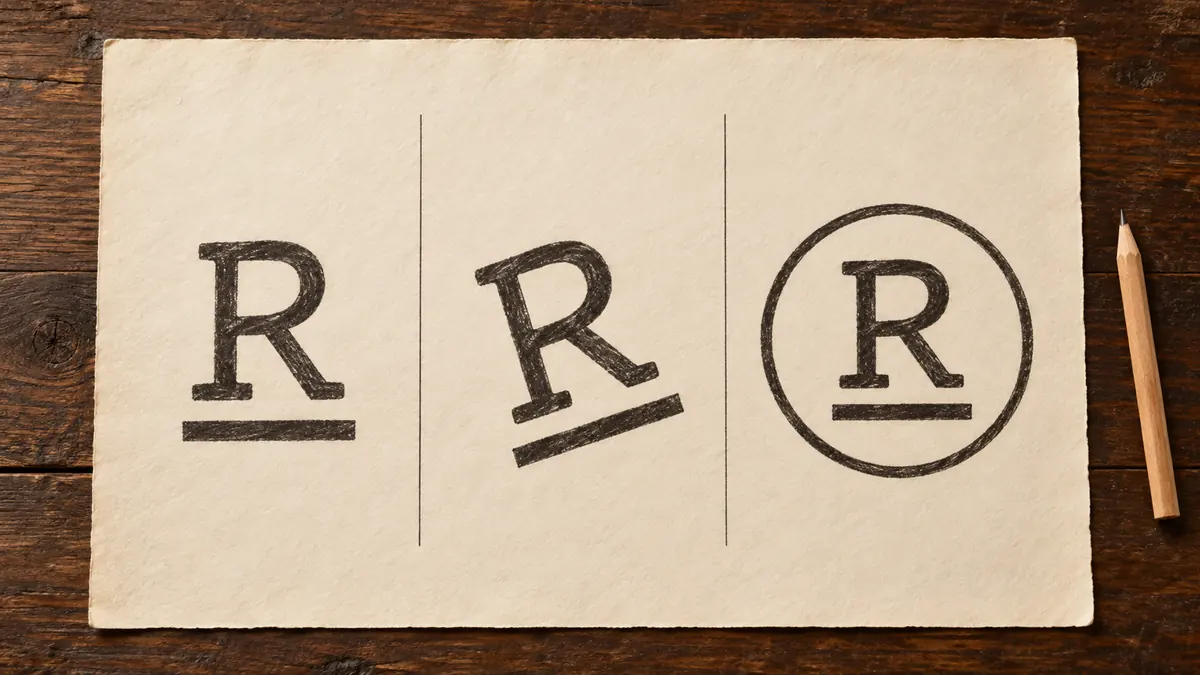
| Bar | one horizontal bar below R | Is the bar connected or separated? |
| Rocker | one shallow rocker beneath T | Is the curve open and easy to read? |
| Lazy | rotate J 90 degrees clockwise | Which direction should the letter face? |
| Diamond | one open diamond around WB | Does the frame leave enough white space? |
| Circle | one open circle around 7K | Is the circle required or only a backup? |
| Rafter | one simple rafter above M | Is it above the mark or connected to it? |
The clearer these relationships are, the less likely the AI is to invent an unrelated badge or illustration.
3. Sketch the Relationship, Not the Artwork
Use the three boxes on the worksheet for:
- Your preferred arrangement.
- A simpler backup.
- A version with a different modifier.
The drawing does not need to be polished. Label unclear characters beside the sketch. If two strokes overlap, write what each stroke represents.
You can upload the sketch with Sketch Board, but also type the intended characters. A rough shape alone can be interpreted as the wrong letter.
4. Turn the Worksheet Into a Prompt
Combine the completed fields into a structured prompt:
Characters: WB. Layout: W and B share one vertical stroke. Modifier: one shallow rocker beneath the initials. Preserve: both letters must remain readable. Avoid: scenery, animals, extra words, gradients, and badge decoration. Output: simple black hot-iron cattle brand on white.
For more patterns, use the cattle brand prompt examples.
5. Review for Practical Use
Before selecting a final candidate, ask:
- Can every required character still be identified?
- Are narrow gaps likely to close when the mark is reduced?
- Are decorative parts doing useful work?
- Does the mark have a simpler backup?
- Has a fabricator reviewed the intended size and line width?
- Have you checked the correct official registry for your location?
The answers can differ by jurisdiction, iron construction, animal size, placement, and branding method. Use the state registration resource guide and talk with the responsible authority and fabricator.
Generate From the Completed Plan
When the worksheet is complete, open the AI Cattle Brand Generator. Start with the structured text prompt. Add the sketch only when the spatial relationship is difficult to describe.
If the first result is close, do not start over. Use Refine Brand and request one measurable change at a time.